
Why AI Transformation Feels Simple — and Stalls in Production
AI implementation challenges after the pilot: why chat demos hide the hard work, and the blockers that stop applied AI automation from sticking.
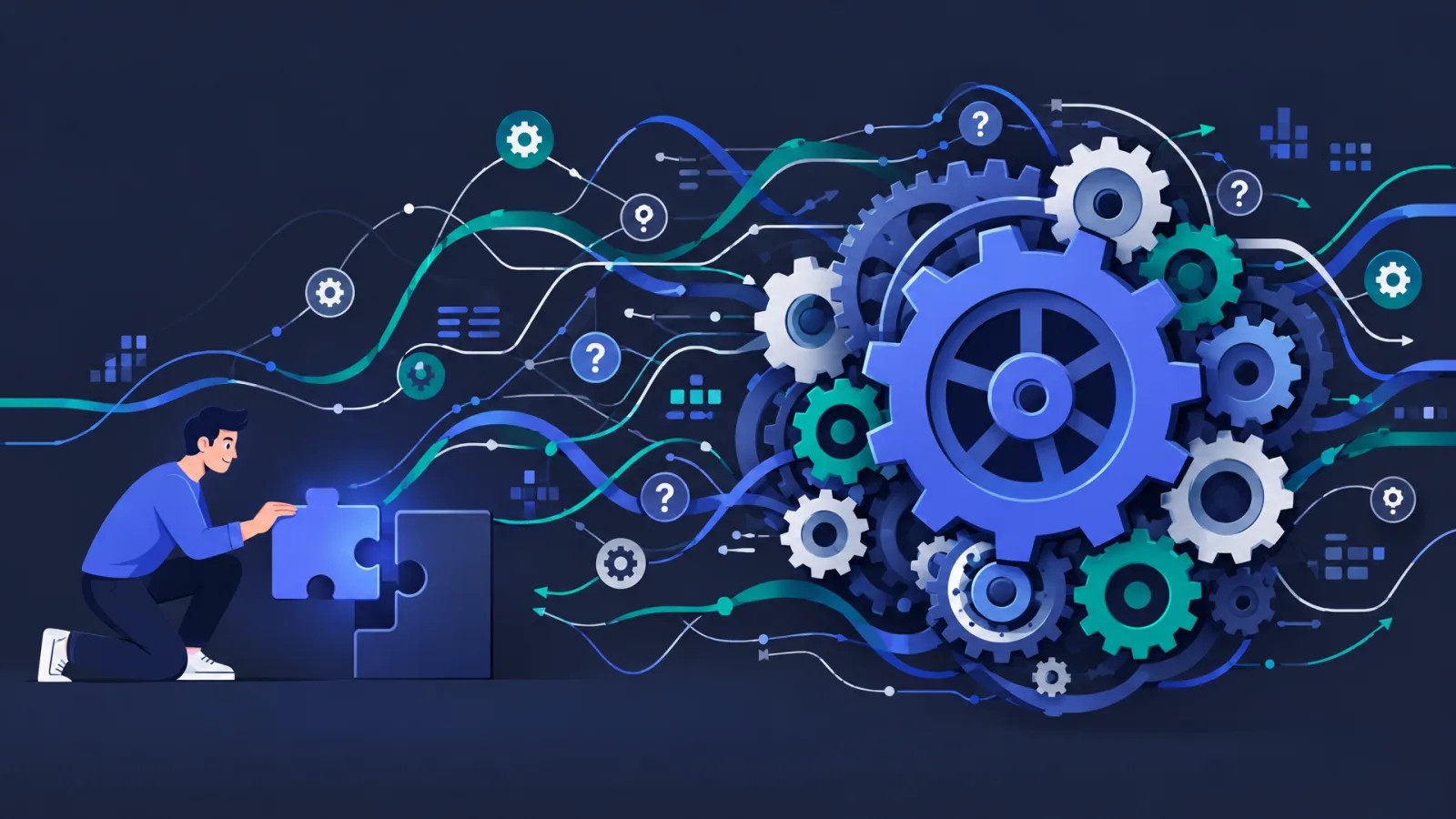
A chat window and a polished demo make AI transformation look like a weekend project. Many teams then discover that the hard work starts before the clever prompts: data that was never digitised properly, access nobody mapped, and a prototype that only worked on localhost.
This article is for founders, COOs, and engineering leaders who already tried a pilot and wonder why the organisation did not move. It focuses on applied AI automation in real workflows (support, ops, admin, knowledge work), not on building an enterprise AI centre of excellence. For where automation pays back first in growing companies, see Applied AI for SMB operations. For a maturity score across seven areas, use the AI adoption checklist.
What people mean by “AI transformation”
The phrase usually mixes three different programmes:
| Contour | What it is | Success looks like |
|---|---|---|
| Coding assistants | AI in the IDE and review loop | Faster drafts with the same quality gates |
| Product AI | Features customers use | Model quality, evaluation, product ownership |
| Ops / workflow automation | AI inside company processes | Lower cost-to-serve, higher throughput, fewer errors |
Mixing them produces the wrong KPI. A licence for a coding assistant does not automate invoice handling. A support agent demo does not prove a product roadmap. This piece stays on the third contour: changing how work runs. That is the same problem space as our AI automation for growing teams.
Why it feels easy (and why that feeling lies)
The chat interface creates the illusion of a finished product. You type, you get text. The dependencies stay invisible: identity, access control, source of truth, latency, cost per call, audit trail, and rollback.
Expectations often sound like this: a few prompts and it will work. In delivery we see friction before useful automation even starts:
- Data and digitisation. Not every company finished a basic digital transformation. Duplicate CRM fields, half-migrated ticket history, and tribal knowledge in inboxes kill retrieval and routing.
- Access and control. Who may read what, who may write to which system, and who approves a risky action are design decisions, not model settings.
- Localhost ≠ production. A prototype that works on one laptop with open credentials is not a service you can hand to ops.
Vendor slides sell plug-and-play. Integration and change management are rarely on the slide. “The model wrote a draft” is also easy to confuse with “the process changed and we can measure it.”
Typical difficulties after the pilot
Once the demo glow fades, the same cluster of problems returns:
- Data. No single context, stale wikis, PII mixed into prompts, empty or noisy retrieval.
- Integration. The agent chats well but cannot safely write to the systems of record.
- Process. A step is automated on paper; nobody owns the new SOP or the escalation path.
- Trust. Wrong tool calls or hallucinations push people back to the old spreadsheet.
- Cost and operations. Token spend, prompt/policy versions, monitoring, and on-call for “the bot did something odd.”
- Compliance. Who is accountable for an automated action, what is logged, how long data is kept.
None of these is fixed by switching to a newer foundation model alone.
Key blocking factors
These are the factors that stop programmes, not the ones that merely slow a sprint.
| Blocker | How it shows up | Why “just prompt better” fails |
|---|---|---|
| Expectation of instant results | Timeline assumes go-live in days | Work starts with process analysis and data, not with the model |
| No process owner | Innovation owns the pilot; ops needs the outcome | Nobody accepts a new DoD or SOP |
| No success metric | “Adopt AI” with no cost, throughput, or quality target | You cannot decide go / no-go |
| Data and access not ready | Empty RAG, toxic context, missing tool scopes | The model is fine; the context is dead |
| Risk without a control path | Security blocks everything, or shadow IT spreads | Either freeze or chaos |
| Skills and review load | People will not learn an unfamiliar tool; managers avoid judging AI output | Licence sits idle or errors multiply |
| Integration debt | Auth, APIs, webhooks, and environments unfinished | Chat is not a workflow |
| Change resistance | Fear of job loss or of looking incompetent | Automation without adoption is zero |
On a first call about automation, the first blocker we name is usually expectation of fast results. The sound order is: analyse the processes, pick the few automation points that carry most of the effect, then work with the people who must live with the change - including those who do not want to learn something new or who fear for their role.
Buying a tool without a KPI often ends the same way months later: the product is still there, and the organisation never made friends with it.
Human-in-the-loop is not optional decoration
Any rollout without control and fine-tuning turns into a nursery of errors. Human-in-the-loop is not a slide about “ethics.” It is the path that decides when the system may act alone, when a person must approve, and how you learn from mistakes.
Done formally (rubber-stamp every message, no feedback into prompts or rules), it only adds delay. Done as a real control loop, it is what makes production use tolerable. For agents that act inside a product or a critical workflow, that loop is part of the lifecycle we describe in SDLC vs ADLC.
A practical order that unblocks
You do not need a forty-page framework. You need a sequence that matches how the blockers actually stack:
- One use case, one owner, one KPI. Prefer a painful ops path with a measurable cost or cycle-time number.
- Process first. Map the steps and the exceptions before you pick a model.
- Data and access for that use case. Digitise and permission what the workflow needs; ignore the rest of the enterprise data lake fantasy.
- Production shape early. Environments, secrets, logging, rollback - not a localhost demo with a hope of hardening later.
- Controls and fine-tuning. Who approves, how you catch errors, how you improve prompts and policies weekly.
- People last mile. Training, incentives, and an honest story about roles - otherwise the old path wins.
Score the weak areas with the AI adoption checklist so you invest in the bottleneck, not in another licence.
Closing
AI implementation challenges are rarely “the model is not smart enough.” They are the gap between a simple interface and a company that must change data, access, ownership, and habits. The demo hides that gap. Production exposes it.
If you already know which workflow burns the most hours, tell us about it. We can help you pick the automation points that move cost and throughput, and run them as AI automation for growing teams - with AI development when custom agents and integrations need real engineering weight.